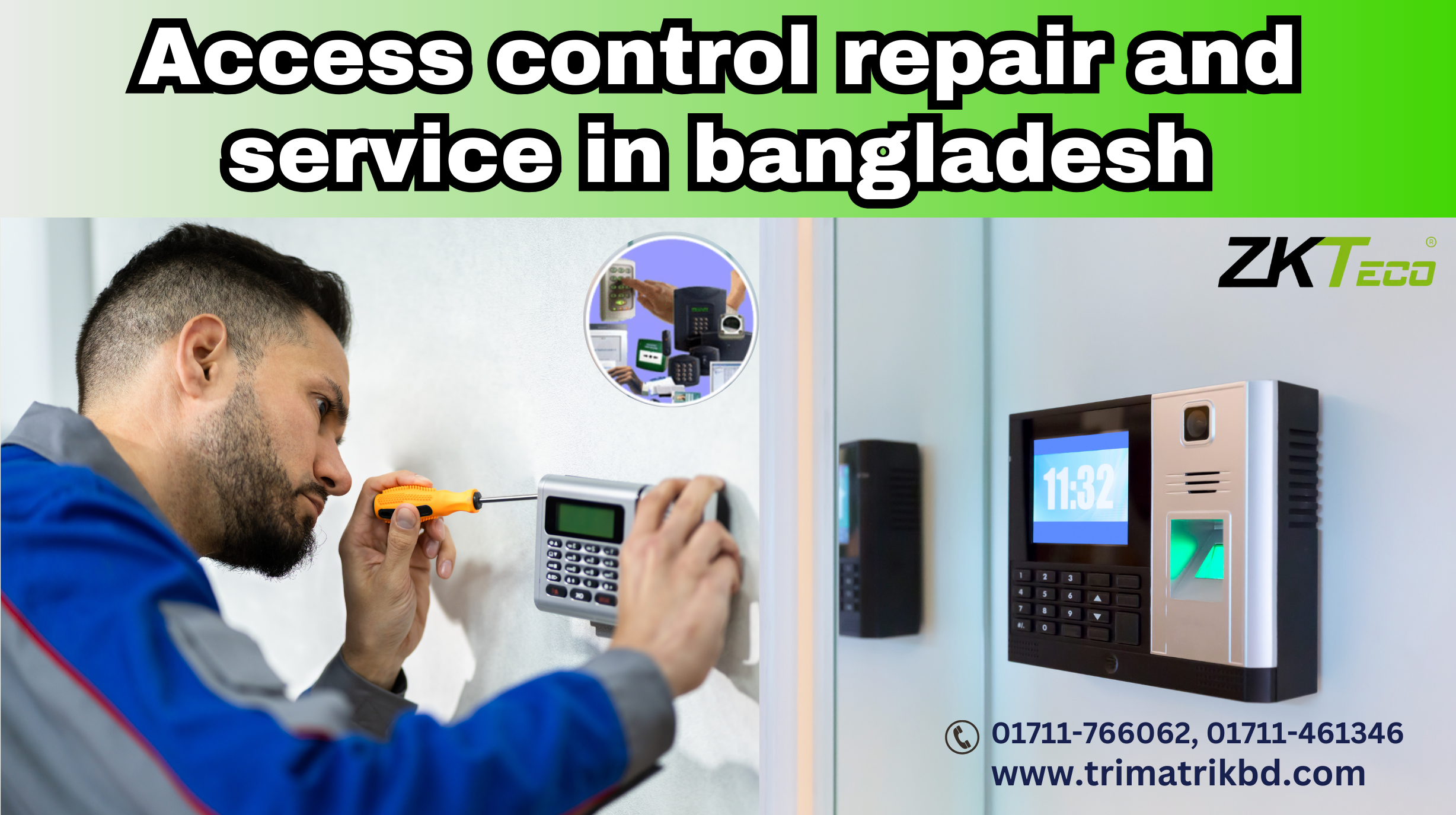
Access control service and repair in Bangladesh
Access control systems are critical to ensuring the safety and security of both residential and commercial properties in Bangladesh. As these systems become more advanced, the need for reliable repair and maintenance services has grown significantly. we will delve into the various aspects of access control repair and service in Bangladesh, covering everything from common issues to the best practices for maintaining these systems.
“Nabiha it is committed to delivering top-notch security and access control systems repair and service, tailored to the specific needs of our clients. With a focus on quick response times, a team of experienced and professional personnel, and a dedication to exceptional customer service, we have earned a reputation as a trusted name in the industry. Our team of security service and repair experts is carefully selected and trained to ensure that we provide the highest level of service to our clients.”
Access control systems play a critical role in ensuring the security and safety of various facilities, including offices, government buildings, educational institutions, and industrial sites. In Bangladesh, where the need for enhanced security measures is growing due to increasing urbanization and economic development, the importance of reliable access control systems cannot be overstated. However, the effectiveness of these systems largely depends on their proper maintenance and timely repair. Here’s why access control systems repair and service are crucial in Bangladesh
Most common problems in access control & time attendance system:
There are most common problems in access control & time attendance system (Access Control Machine Display Problem) An issue with the display of an access control machine can significantly disrupt its functionality and hinder the security process. Here are some common causes and solutions for access control machine display problems:
Power Supply Issues
- Cause: A faulty power supply or loose connections can cause the display to malfunction or go blank.
- Solution: Check the power supply, cables, and connections to ensure they are secure and functioning correctly. If necessary, replace the power adapter or cables.
Display Screen Damage
- Cause: Physical damage to the screen, such as cracks or impact, can lead to display problems.
- Blank Screen: The display may go completely blank, which could indicate a power issue, a faulty connection, or a damaged display unit.
- Solution: Inspect the screen for any visible damage. If damaged, the screen may need to be repaired or replaced by a professional technician.
Software or Firmware Issues
- Cause: Outdated or corrupted software/firmware can cause the display to freeze, show incorrect information, or fail to load properly.
- Solution: Update the machine’s software or firmware to the latest version. If the problem persists, consider resetting the device to its factory settings.
Environmental Factors
- Cause: Extreme temperatures, humidity, or exposure to direct sunlight can affect the display’s performance.
- Solution: Ensure the machine is installed in a suitable environment with controlled temperature and humidity levels. If possible, relocate the machine to a more stable environment.
Internal Component Failure
- Cause: Internal components, such as the display driver or circuit board, may fail due to age, wear, or manufacturing defects.
- Solution: Contact a professional technician to diagnose and repair or replace the faulty components.
User Interface Settings
- Cause: Incorrect display settings or configurations can lead to readability issues or incorrect display of information.
- Solution: Check the user interface settings and adjust the display brightness, contrast, and other relevant settings as needed.
Loose or Damaged Connectors
- Cause: Loose or damaged connectors between the display and the motherboard can result in a faulty display.
- Solution: Inspect and securely reattach any loose connectors. Replace damaged connectors if necessary.
Access Control Machine Display Repair in Bangladesh
Repairing the display of an access control machine in Bangladesh is crucial to maintaining the security and efficiency of your facility. A malfunctioning display can hinder the proper functioning of the machine, making it difficult for users to interact with the system and potentially compromising security. Here’s what you need to know about access control machine display repair in Bangladesh:
Finding Professional Repair Services
- Specialized Technicians: Look for technicians or service providers who specialize in access control systems and have experience in handling display repairs.
- Authorized Service Centers: It’s advisable to approach authorized service centers, especially if your access control machine is under warranty. These centers are equipped with the necessary tools and genuine parts.
Understanding Access Control Systems
Access control systems are electronic security solutions that regulate who is allowed to enter or exit a premise. These systems are crucial in preventing unauthorized access and ensuring that only individuals with the right credentials can enter restricted areas. The technology behind access control systems includes card readers, biometric scanners, keypads, and software-based controls that are integrated to form a cohesive security solution.
Types of Access Control Systems
Discretionary Access Control (DAC): In DAC systems, the owner of the protected system determines who has access. This type of access control is typically used in smaller organizations where security is not a top concern.
Mandatory Access Control (MAC): MAC systems enforce a more rigid access control policy, where access rights are assigned by a central authority based on multiple factors. This type of control is often used in government and military applications.
Role-Based Access Control (RBAC): RBAC assigns access based on the role of the user within the organization. This is one of the most common systems used in corporate environments in Bangladesh.
Biometric Access Control: This type uses fingerprint, retina, or facial recognition technology to ensure high levels of security. Biometric systems are gaining popularity in Bangladesh due to their reliability and accuracy.
Importance of Regular Access Control Maintenance
Regular maintenance of access control systems is critical in ensuring their longevity and effectiveness. In Bangladesh, where environmental factors such as humidity and dust can affect the functionality of electronic devices, regular servicing is essential. Maintenance not only ensures that the system works optimally but also helps in identifying potential issues before they become major problems.

Common Access Control System Issues
Power Supply Problems: Many access control systems in Bangladesh face issues due to inconsistent power supply or surges, leading to system malfunctions.
Wiring Issues: Poor installation or wear and tear over time can cause wiring problems, leading to intermittent failures in the system.
Software Glitches: Outdated software can result in slow performance, incorrect access logs, or even complete system failure.
Hardware Failures: Components such as card readers or biometric scanners can fail due to physical damage or aging.
Environmental Factors: High humidity levels and dust accumulation can corrode components or block sensors, affecting system performance.
Access control service and repair Cost in Bangladesh
Access control service and repair Cost in Bangladesh is starts from 1,500 taka. Contact us for best price and service.
Best Practices for Access Control Repair in Bangladesh
When an access control system breaks down, timely repair is crucial to maintaining security. Here are some best practices for repairing access control systems in Bangladesh:
Diagnosis and Troubleshooting
The first step in repairing an access control system is accurately diagnosing the problem. This involves:
- Conducting a visual inspection of the system to check for obvious signs of damage.
- Testing the power supply to ensure that the system is receiving consistent power.
- Running diagnostics on the software to identify any glitches or outdated components.
- Inspecting wiring connections for any signs of wear or improper installation.
Replacing Faulty Components
Once the problem is identified, the next step is to replace any faulty components. In Bangladesh, sourcing genuine parts is essential to ensure the longevity of the repair. It is recommended to use components that are compatible with the existing system to avoid future issues.
Updating Software
Outdated software is a common issue in access control systems. Regular updates are necessary to patch security vulnerabilities and improve system performance. Ensure that the latest firmware and software updates are applied during the repair process.
Environmental Adjustments
Given the climatic conditions in Bangladesh, it is important to protect the system from environmental damage. This could involve:
- Installing protective enclosures to shield components from dust and moisture.
- Using surge protectors to prevent damage from power surges.
- Regular cleaning of sensors and readers to ensure they are free from dust and debris.
Testing and Validation
After repairs, it is critical to test the entire system to ensure that all issues have been resolved. This involves:
- Conducting a full system reboot to check for any lingering issues.
- Testing access points to ensure they are working correctly.
- Verifying the accuracy of access logs to ensure that all entries are correctly recorded.
Replace a cmos battery in zkteco time & attendance device
General Steps to Replace a CMOS Battery in a ZKT Time and Attendance Device:
- Power Off the Device: Unplug the device from the power source and remove any connected cables.
- Open the Device: Carefully open the device casing. This usually involves removing screws on the back or sides. Refer to your user manual for specific instructions.
- Locate the CMOS Battery: The battery is typically a small, round coin-shaped cell, often a CR2032 type. It’s usually located on the motherboard.
- Remove the Old Battery: Gently remove the old battery. Take note of its polarity (positive and negative sides).
- Insert the New Battery: Insert the new battery with the correct polarity. Ensure it’s securely in place.
- Reassemble the Device: Close the device casing and secure it with the screws.
- Power On the Device: Plug the device back in and turn it on.
- Reset Time and Date: You may need to reset the time and date settings after replacing the battery. Refer to your user manual for instructions.
Important Considerations:
- Battery Type: Ensure you purchase the correct type of battery for your device.
- ESD Precautions: Handle electronic components with care to avoid electrostatic discharge (ESD) damage.
- Data Backup: While replacing the CMOS battery usually doesn’t affect stored data, it’s always a good practice to back up important information before proceeding.
- Seek Professional Help: If you’re unsure about any step or encounter difficulties, consider contacting ZKT support or a qualified technician.
Choosing the Right Service Provider in Bangladesh
Selecting a reliable service provider for access control systems in Bangladesh is crucial for maintaining a secure environment. Here are some tips to consider: Nabiha it is a company located in Bangladesh that specializes in Zkteco device repair, including any Access Control & Time Attendance. They’re the only authorized distributor for Zkteco-branded products and offer Anviz, Hundure repair services. All technicians at Nabiha it are certified by their respective manufacturers and have experience in the repair of all major brands.
Maintaining and repairing access control systems in Bangladesh requires a proactive approach, considering the unique environmental challenges. Regular maintenance, timely repairs, and choosing the right service provider are key factors in ensuring the effectiveness and longevity of these systems. By following the best practices outlined in this article, organizations can enhance their security measures and ensure that their access control systems remain reliable and efficient.
BIOTIME 8.0 SUPPORTED DEVICE LIST
| ITEM | COMMUNICATION TYPE | DEVICE MODEL |
| 2.8” and 3” TFT *Coreboard: ZMM100/ ZMM200/ ZMM210/ ZMM220/ ZLM60 | PUSH | Silk Series: SilkFP-100TA, SilkFP-101TA, SilkBio-100TC, SilkBio-101TC KF Series: KF100, KF200, KF500, KF160, KF460 MB Series: MB100, MB200, MB300, MB160, MB360 VF Series: VF300, VF600, VF700, VF380, VF680, VF780 IN Series: IN01, IN01-A, IN03, IN04 P Series: P160, PX660 S Series: S400, S500 UA Series: UA100, UA200, UA300, UA400, UA760 -C Series: A8-C, A11-C, B3-C, S160-C, S260-C, T4-C, T5-C, T6-C, TK100-C, X628-C, X628-TC, U160-C, U260-C, U300-C, U560-C, U990-C |
| 3.5” TFT *Coreboard: ZMM100/ ZMM200/ ZMM210/ ZMM220/ ZLM60 | PUSH | iClock Series: iClock260, iClock360, iClock460, iClock480, iClock560, iClock660, iClock680, iClock700, iClock880, iClock990, iClock3000 S Series: S400, S500, S880, S900, S920, S922, S1000 |
| 4.3” TFT | PUSH | Face Series: uFace202, uFace302, uFace401, uFace402, uFace602, uFace800, PFace202 |
| Green Label | PUSH | G1, G2, G3, G3 Plus, G3-H, G4 |
| Visible Light Facial Device | PUSH | FaceKiosk Series: FaceKiosk-V43, FaceKiosk-V32, FaceKiosk-V21 |
| Extension Reader | USB | Fingerprint Reader: ZK4500, ZK8500R, ZK9500, SLK20R Card Reader: CR10R, CR10M, CR20R, CR20M |
Table of Contents